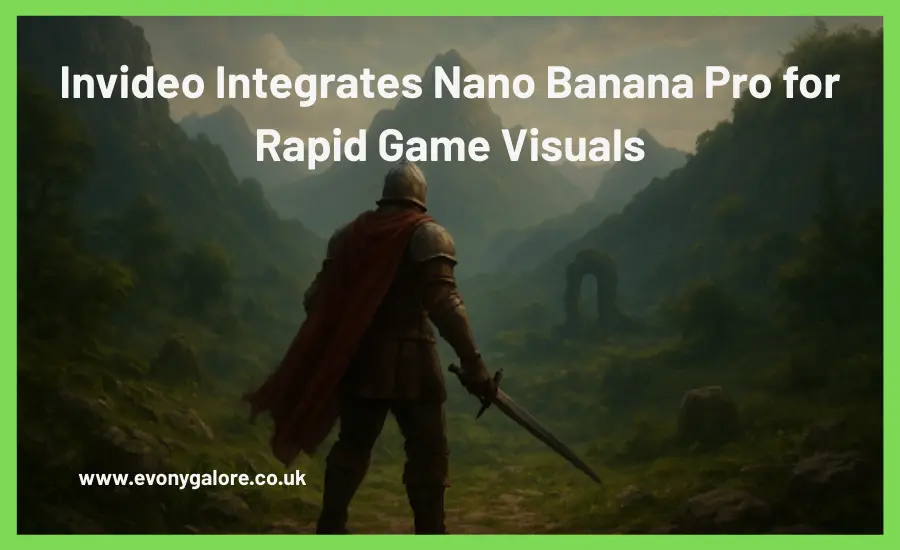
Invideo Integrates Nano Banana Pro for Rapid Game Visuals
Creating gaming visuals quickly has become essential as more players, creators, and communities move toward online platforms for entertainment and learning. If you manage a gaming blog, YouTube channel, or social hub, you already know how fast-paced the landscape is and how difficult it can be to keep your content pipeline full. With tools like Nano Banana evolving and new integrations emerging, you now have more ways to design game-ready visuals without extensive design skills.
- Why the Gaming Industry Needs Faster Visual Production
- How You Generate Gaming Visuals with Nano Banana Pro on Invideo
- Visual Consistency for Gaming Creators
- Why Gaming Creators Benefit from This Integration
- What’s New in Nano Banana Pro for Gaming Use Cases
- Creating Gaming Visuals for Every Use Case
- Shaping the Future of Gaming Content
- Conclusion
Why the Gaming Industry Needs Faster Visual Production
Gaming culture thrives on speed, immersion, and frequent updates. Whether you’re building tutorials, gameplay highlight reels, lore explainers, or simple short clips, the need for fresh visuals keeps growing. Virtual Gaming Conferences have shown how important rapid visual creation is for building community influence and staying relevant among global audiences.
You might also use gaming visuals as part of educational content, social storytelling, or skill-building. Games today help improve strategic thinking, problem-solving, and creative reasoning, which is why visual summaries, guides, and short-form snippets have become more important. This shift makes the invideo and Nano Banana Pro integration especially meaningful for creators who want to keep up with rising viewer expectations.
How the Invideo + Nano Banana Pro Workflow Works
The integration focuses on giving you a complete image-to-video pipeline. Instead of switching between multiple tools, you can generate and refine your game artwork directly inside invideo.
Nano Banana Pro is powered by Google’s Gemini 3.0 Pro, bringing reasoning-guided synthesis and GemPix 2 diffusion. This allows you to generate visuals with:
- Sharper 4K resolution and richer 16-bit color
- Better character consistency
- Fast 4K upscales
- Multiple camera angles (close-up, wide, top-down)
- Accurate lighting and style variation
- Stronger text rendering, including multilingual text
- Prompt adherence for complex gaming scenes
- Accurate reasoning over diagrams, charts, and equations
- Real-world grounding with visuals created in about ten seconds
This upgrade differentiates Nano Banana Pro from the older Nano Banana architecture significantly, especially in performance, visual clarity, identity consistency, and spatial understanding.
How You Generate Gaming Visuals with Nano Banana Pro on Invideo
Invideo’s interface makes the workflow beginner-friendly, even if you’re new to AI tools. You can create gaming visuals in three steps:
1. Select Your Model
Go to Agents & Models and select nano banana pro, or simply type “use nano banana pro” in your prompt. This tells invideo to load the upgraded model so every image maintains detail and clarity.
2. Generate or Edit
You can begin with:
- An uploaded image you want to edit (e.g., a gaming character or environment), or
- A fresh text prompt describing the scene you want to create.
Gamers often describe action scenes, fantasy characters, sci-fi settings, weapon variations, glowing effects, or cinematic lighting, and Nano Banana Pro handles these details well. The tool’s multi-image fusion lets you blend elements from multiple images, perfect for building boss fights, composite worlds, or stylized thumbnails.
3. Preview & Download
Once generated, you can:
- Refine details
- Adjust lighting or textures
- Download the image instantly
- Drop it directly into your video timeline on invideo
This workflow helps you produce visuals for shorts, narrative sequences, or gaming explainers without switching programs.
Visual Consistency for Gaming Creators
For gaming creators, visual consistency becomes easier when Nano Banana works alongside invideo because the model’s upgraded image reasoning ensures your characters, textures, and environments look unified across your video sequences. This collaboration simplifies how you develop cohesive gaming montages, standard thumbnails, or scene guides for your audience.
As you expand your content hub, whether that’s a gaming blog, an online group, or a streaming channel, using an AI video generator app can also support your workflow, especially when you’re producing short clips at scale.
Why Gaming Creators Benefit from This Integration
If you’re a streamer, gaming blogger, or run a faceless gaming channel, you already understand the importance of consistent visual identity. This integration helps you:
- Create fast highlight reels
- Build quick lore explainers
- Produce cinematic intros
- Make stylized thumbnails
- Generate themed sequences for live streams
- Create short tutorial clips
- Design better gameplay commentary visuals
invvideo uses Nano Banana Pro’s text-to-image capabilities to generate the visuals you need and pairs them with its strong video workflow, scripts, sequences, transitions, and voiceovers, helping you accelerate your entire production cycle.
What’s New in Nano Banana Pro for Gaming Use Cases
Nano Banana Pro’s architecture upgrade especially benefits gaming creators because of its advances in:
- Lighting control for fantasy or cyberpunk scenes
- Camera versatility for multi-angle game shots
- Character swapping to rebuild the same hero in different contexts
- Better prompt following to maintain the logic of game environments
- Realistic rendering for weapons, armor, maps, and UI elements
- Improved resolution for thumbnails and banners
- Enhanced reasoning for skill-tree charts, level diagrams, or battle maps
These improvements make it easier to build consistent storyboards and cinematic breakdowns that resonate with gaming audiences.
Creating Gaming Visuals for Every Use Case
Gaming content has expanded far beyond walkthroughs. With invideo + Nano Banana Pro, you can build:
- Brand stories for gaming merchandise
- Announcement videos for tournaments
- Event invites for gaming meet-ups
- Explainers for new game releases
- UGC-style gaming ads
- Channel introduction clips
- Dynamic gameplay montages
Whether you run a small gaming blog or a large content hub, the process helps you streamline visuals without relying on heavy editing tools.
Shaping the Future of Gaming Content
Gaming audiences expect fast, polished visuals. With Nano Banana Pro inside invideo, you can scale your content pace without sacrificing consistency. You can turn simple ideas, game theories, short reviews, character commentary, or match highlights into shareable clips in minutes.
Gaming storytellers, educators, filmmakers, and even first-time creators can now produce assets that feel professional enough for social feeds, blogs, and online communities.
Conclusion
As gaming content speeds up across platforms, having a toolset that matches the pace becomes essential. With invideo integrating Nano Banana, you can build visuals, thumbnails, and montages faster, whether you’re shaping a gaming blog or producing highlight clips. This integration makes your workflow smoother while helping you deliver more consistent and compelling game-focused visuals at scale.